🧑💼 Trader (vendor NPC)
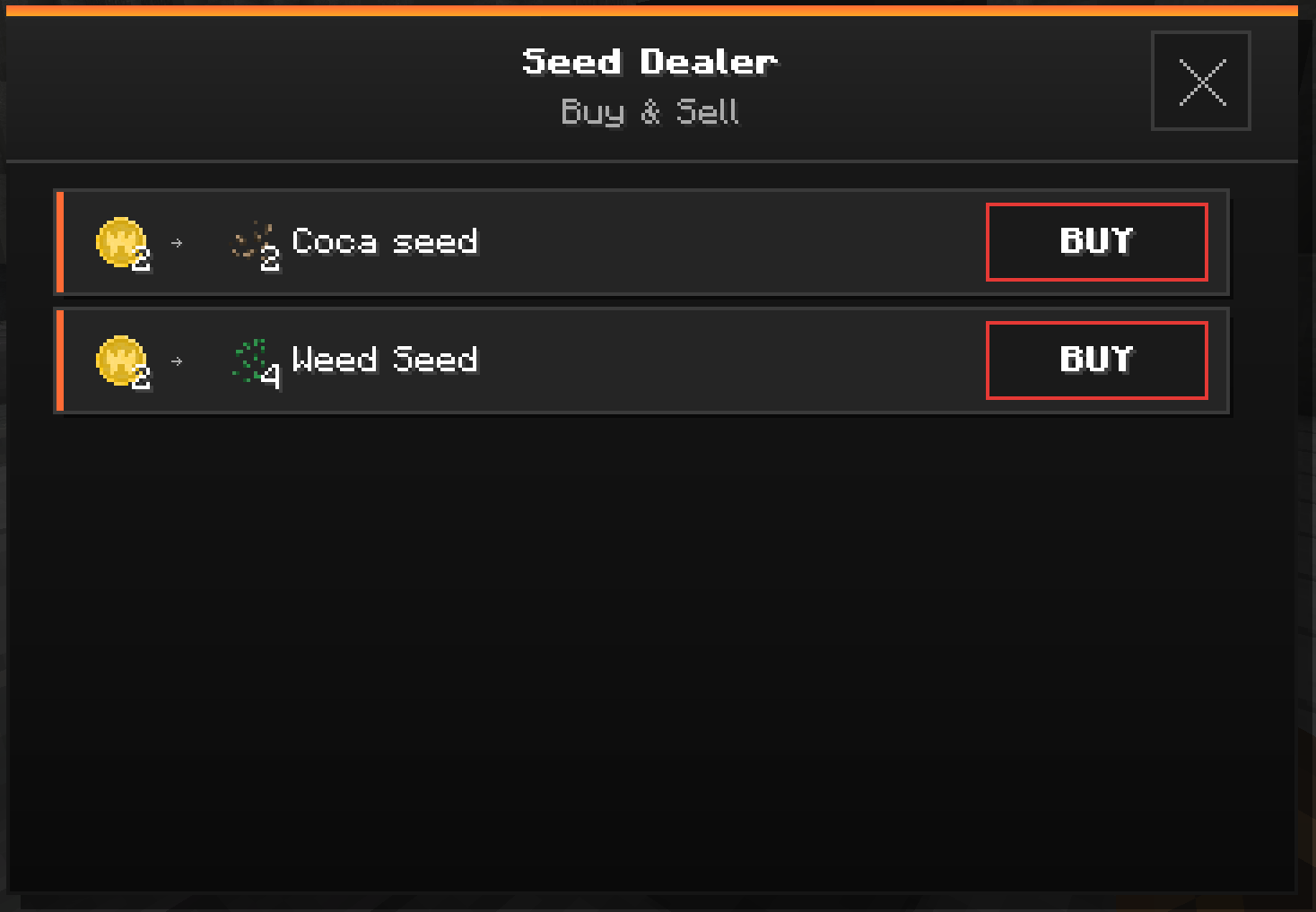
Traders are vendor NPCs placed around the map. Each one offers its own buy and sell deals, paid in physical currency (bills or Warzone Coins).
🛒 Buying & selling
- Right-click the Trader → its shop opens.
- Browse the list of offers (each row = one offer).
- Click BUY / SELL:
- Buy: you pay the currency → you receive the item.
- Sell: you hand over the item → you receive the currency.
📏 You must stay close to the Trader (~8 blocks). Too far →
Too far from the trader.
💱 Accepted currencies
| Currency | What it is |
|---|---|
| 💵 Bills ($) | Physical money. The Trader makes change automatically if you overpay. |
| 🪙 Warzone Coin | A special coin counted individually (earned in the Warzone). |
⚠️ Traders trade physical currency (in your inventory) — not your bank balance. Remember to withdraw bills at the bank before going shopping.
💬 In-game messages
| Situation | Message |
|---|---|
| Purchase successful | 🟢 Bought Nx [Item] |
| Sale successful | 🟢 Sold Nx [Item] |
| Not enough currency | 🔴 Not enough money / Not enough currency |
| Too far | 🔴 Too far from the trader |
🛠️ For admins: Traders are placed with the Trader Baton (OP item) — right-click a block to choose which Trader to spawn, left-double-click a Trader to remove it.
➡️ See also: Money & Bank · Faction Shop